FS25 Log Error Extractor
A downloadable mod
FS25 Log Error Extractor
Version 1.2.0.0
Stop scrolling through thousands of lines of log file trying to work out which mod broke your game.
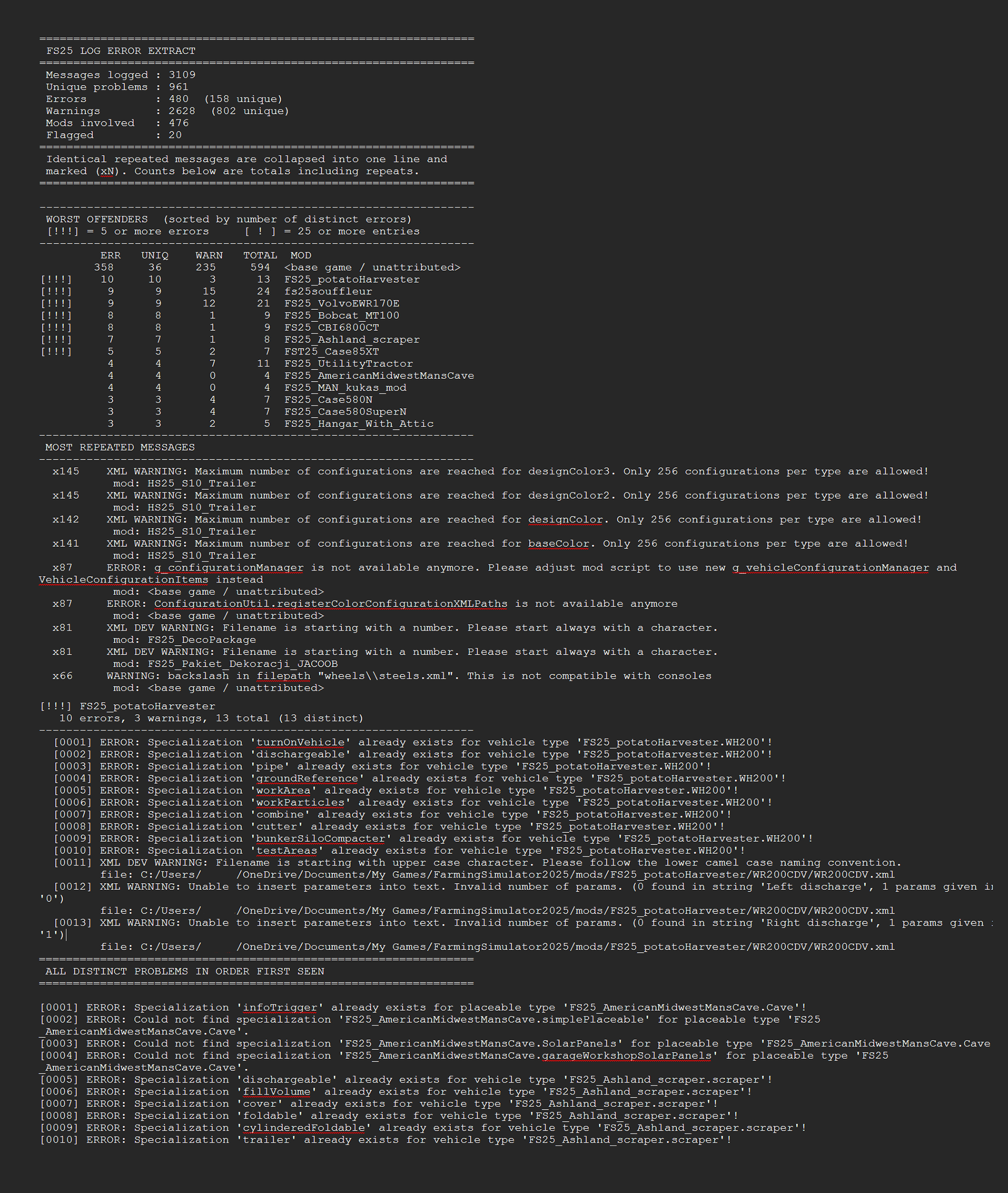
Log Error Extractor captures every error and warning your game produces and writes them to a clean, readable report — errors and warnings only, nothing else. It then ranks every mod in your folder by how many distinct problems it's causing, so the culprit is sitting at the top of the list instead of buried somewhere in a 6,000-line log.
What it does
- Writes a report containing only errors and warnings, saved as
log_errors.txtnext to your normal log - Ranks your mods worst to best by distinct error count, with flags on the serious offenders
- Collapses repeated messages — one mod throwing the same warning 500 times shows once with a count, not 500 lines
- Breaks the report down mod by mod so you can see exactly what each one is throwing
- Console commands are there for anyone who prefers them:
dumpLogErrors,topLogErrors,countLogErrors,clearLogErrors
Getting started
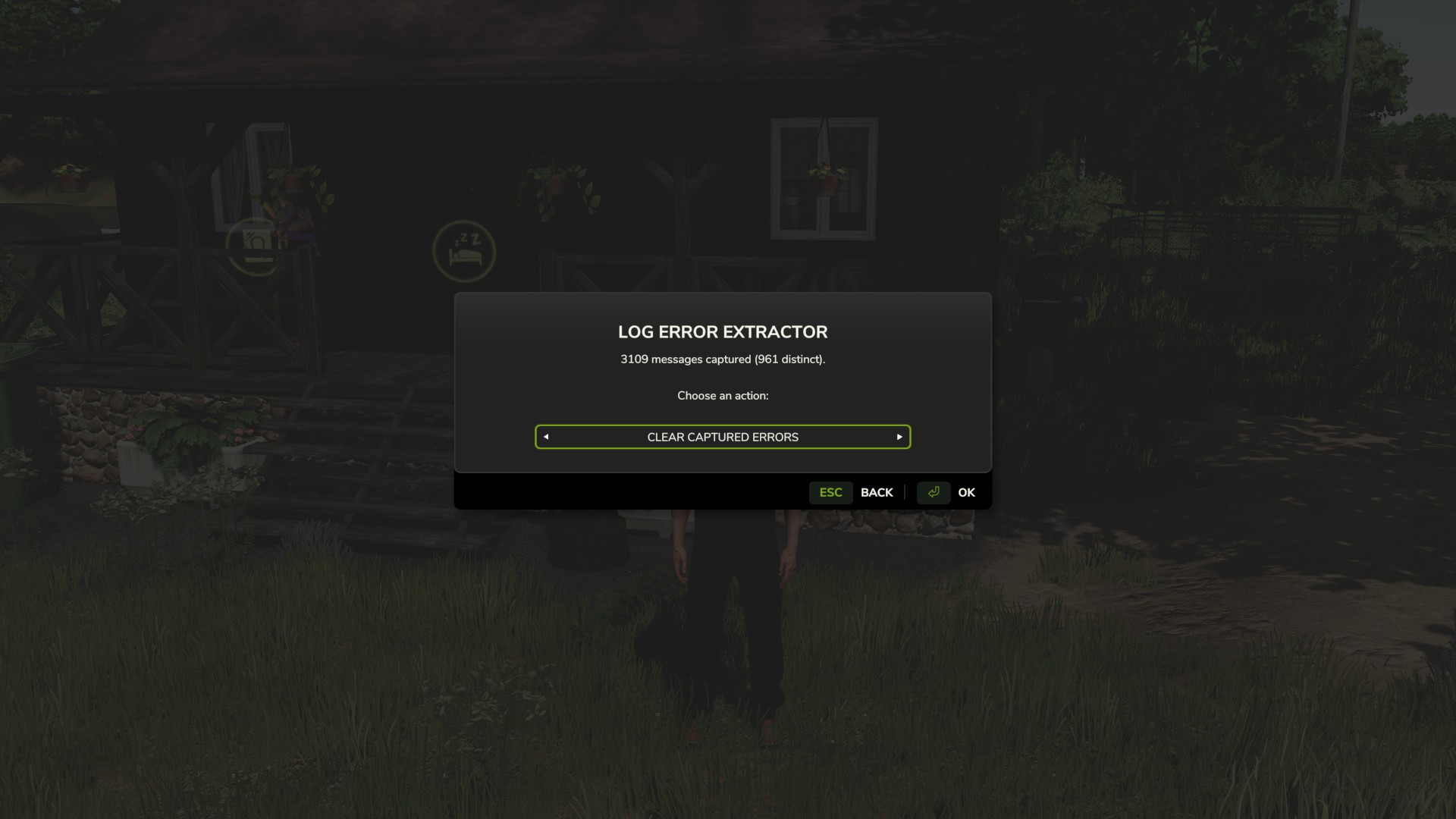
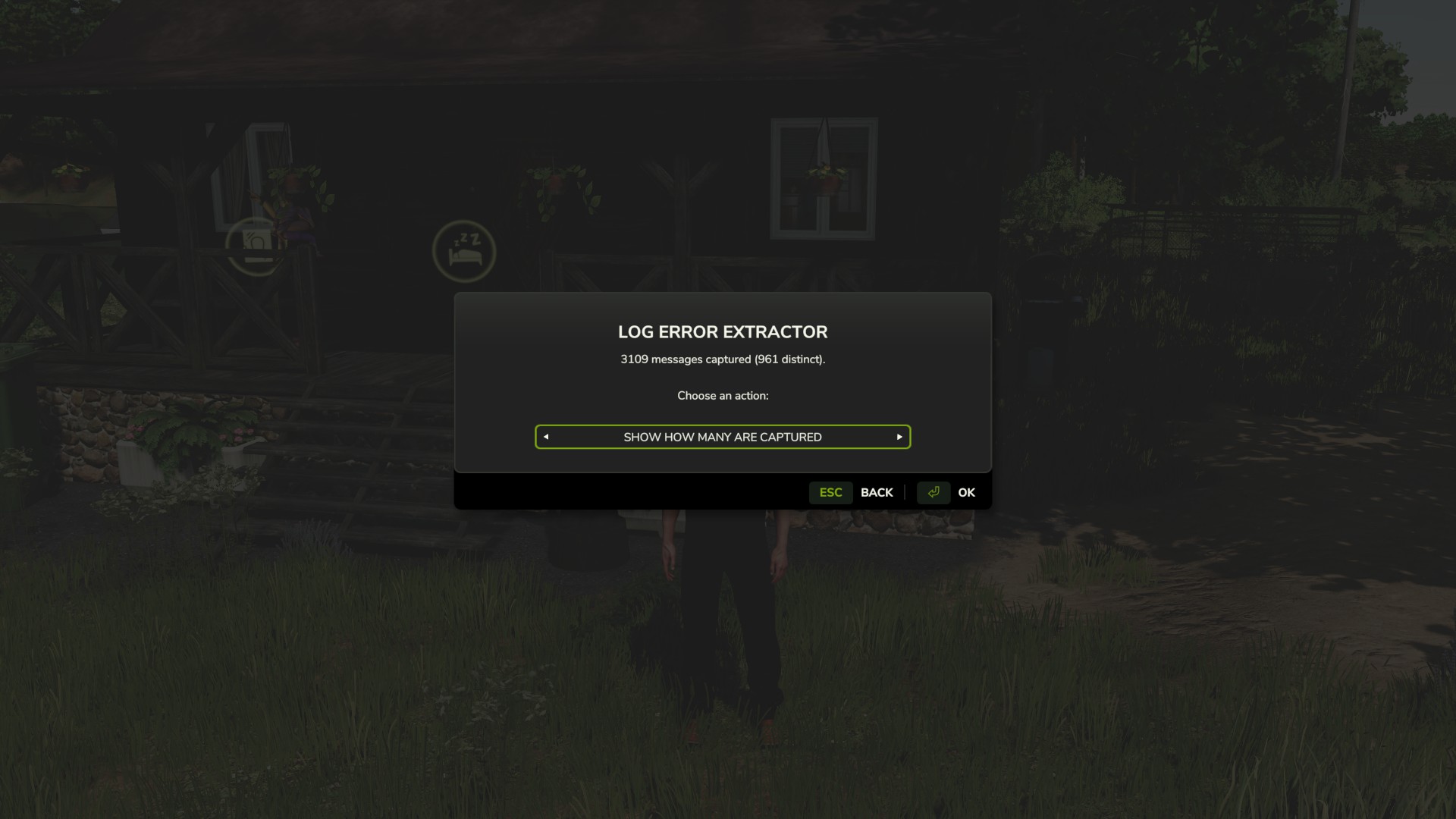
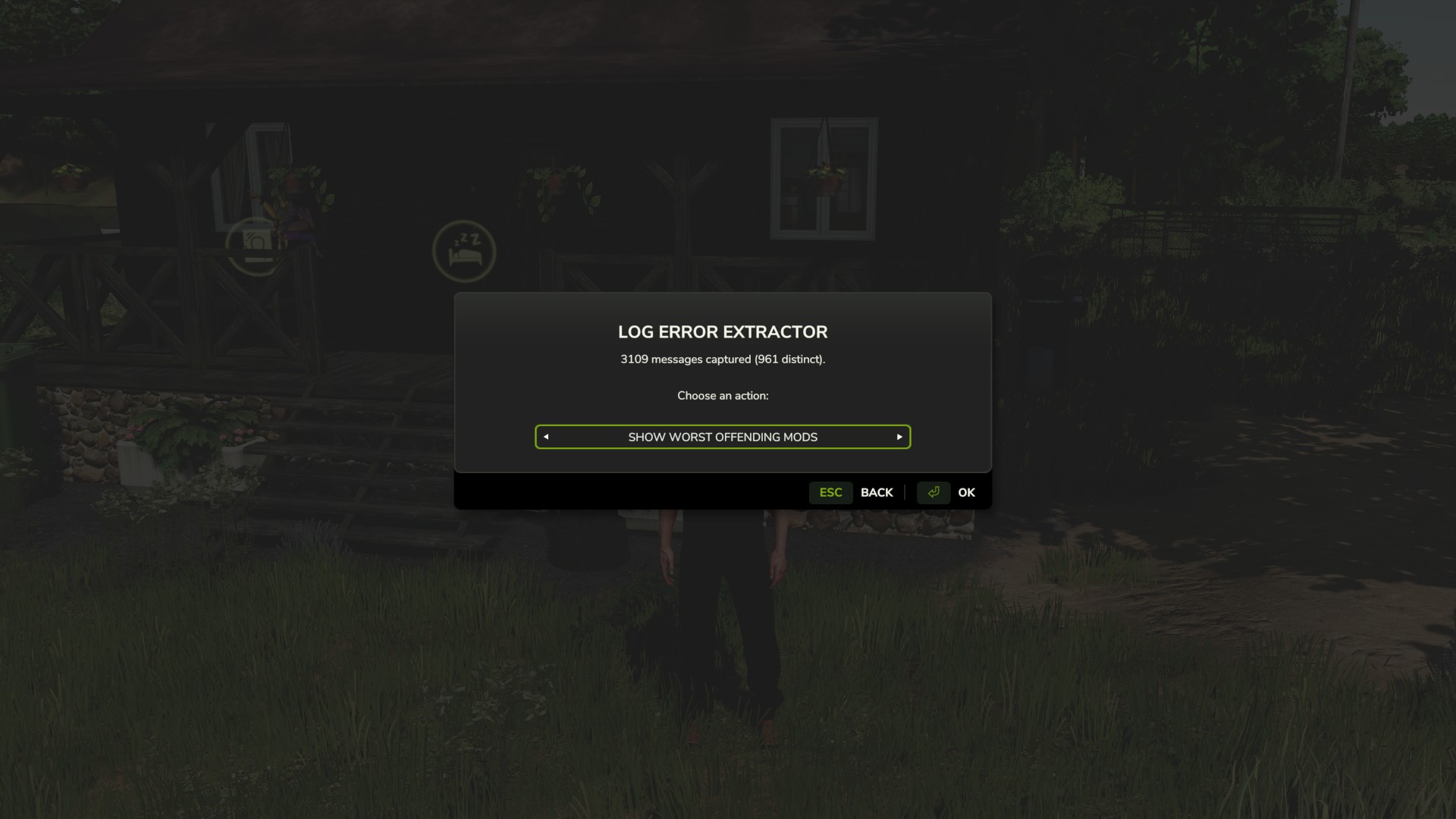
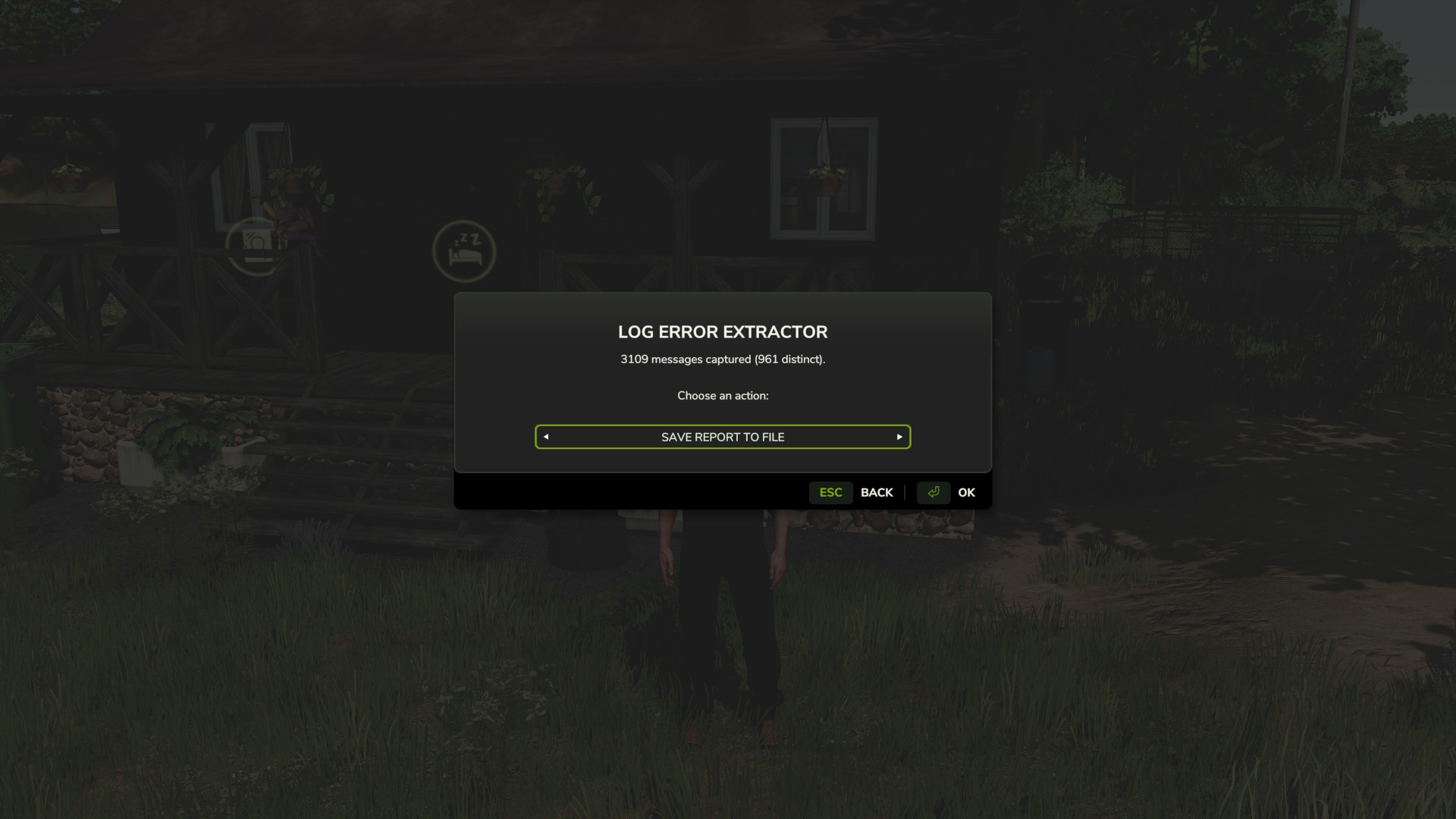
Bind a key under Options → Controls → Log Error Extractor, load your save, and press it. The menu opens anywhere — on foot, in a vehicle, doesn't matter. Cycle the options with the arrows and hit OK.
- Save Report To File — writes the full report to
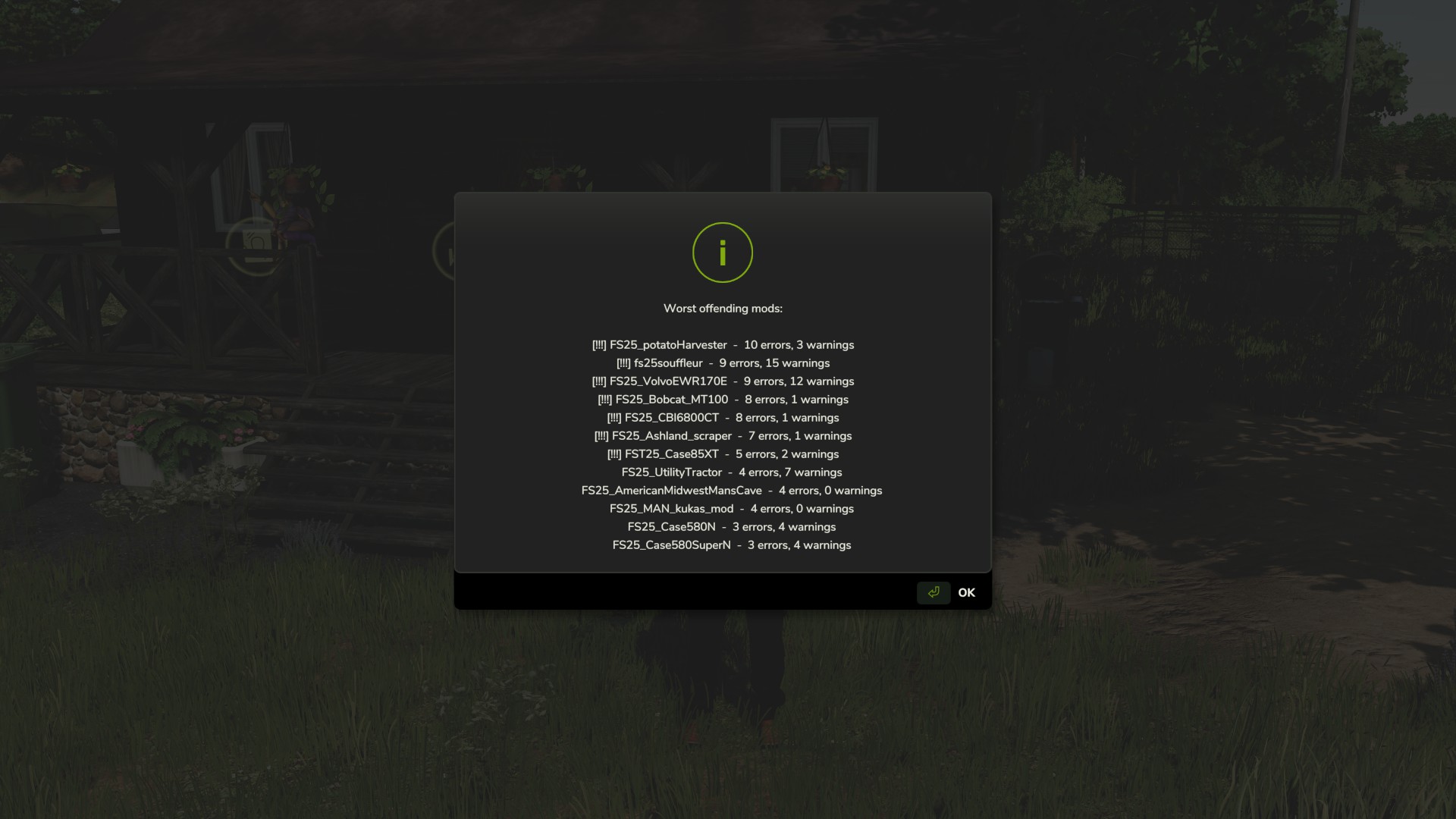
log_errors.txtin your Farming Simulator 2025 folder. - Show Worst Mods — puts your top offenders straight on screen, no file needed.
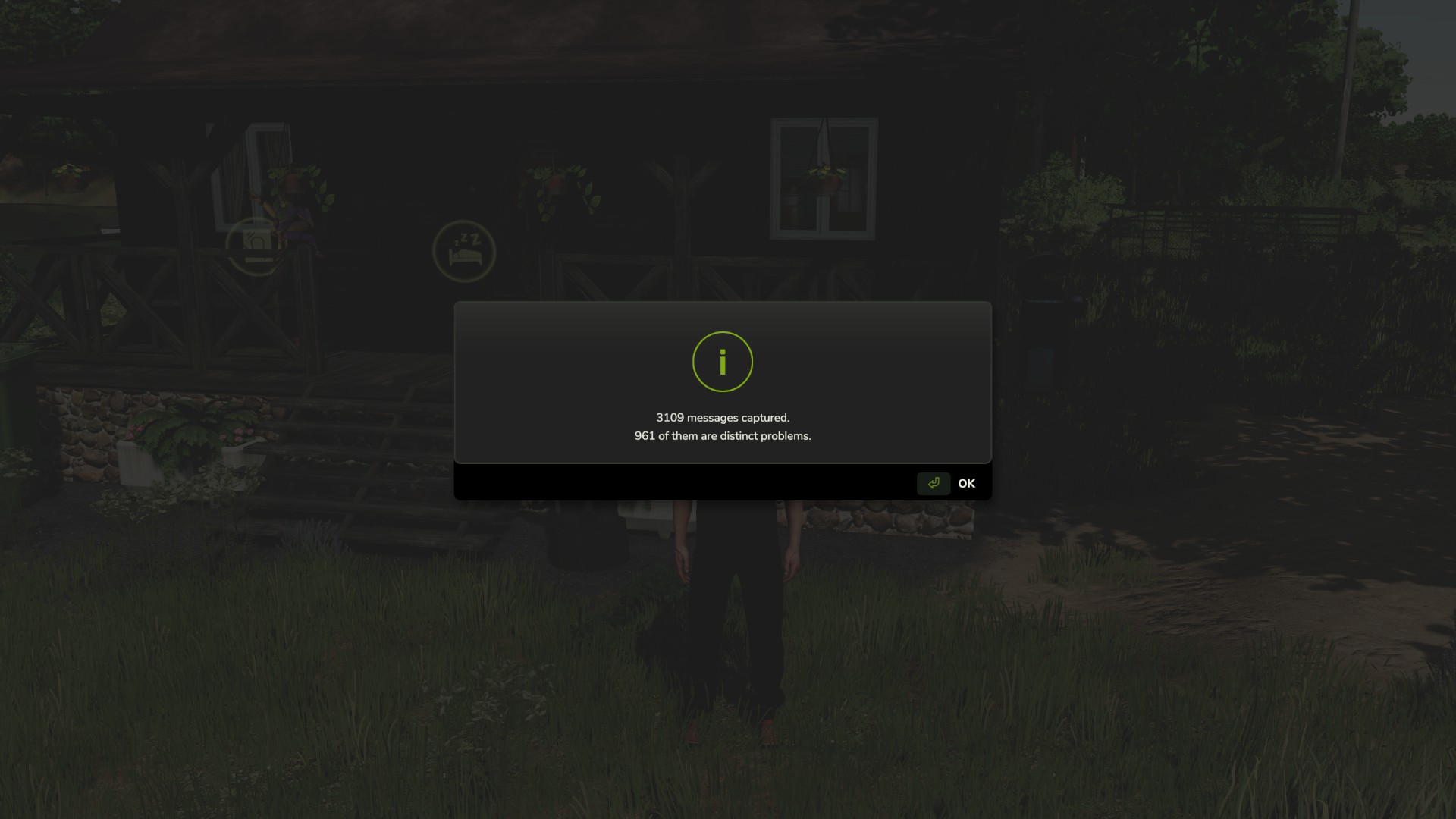
- Show Count — tells you how many errors and warnings have been captured so far.
- Clear — wipes everything collected up to now so your next report starts clean.
That last one is the most useful when you're hunting a specific conflict. Clear the buffer, recreate whatever broke, then save the report — and it'll contain nothing but what happened in between.
Important — do not rename the mod
The folder is called FS25_AAA_LogErrorExtractor on purpose. Farming Simulator loads mods alphabetically, and the AAA forces this one to load first so it can capture errors from everything that loads after it. Rename it and it drops down the list, and anything loading before it goes uncaptured.
Requirements and limitations
- PC only. This is a script mod, and script mods are not supported on PlayStation or Xbox.
- Singleplayer only for now. Multiplayer is untested rather than known-broken — it's declared unsupported so it won't load in an MP save. If you'd like to help, flip
<multiplayer supported="true"/>in the modDesc, test it, and let me know what happens. - It cannot capture errors that occur before it loads, so base game startup and engine-level messages won't appear. Check the game's own
log.txtfor those.
Reporting problems
The mod writes a small health check file, log_status.txt, every time you load a save. If something isn't working, open it — and please attach it if you're reporting an issue.
Disclaimer
All mods are offered completely free of charge. Any money given is purely a voluntary donation and is never required.
When you click the download button, you will see a small link above the payment amount box that says “No thanks, just take me to the downloads.” If you prefer not to donate, simply click that link and you will still receive the mod for free.
Thank you!
Download
Click download now to get access to the following files:
Development log
- UPDATE**18 days ago
- Renaming Zip37 days ago
- Why the Log Error Extractor misses texture warnings37 days ago
- Update38 days ago
Comments
Log in with itch.io to leave a comment.
Hi,is it possible to change the name AAA_FS25 or something like because I have several mods that aren't beginning fs25 so your mod reads those also
For the moment could you just right click them and add fs25_ to their name and when I get home this evening I will check and make sure that won't cause issues and get back to you as soon as possible
Short answer: yes, rename it. Go ahead.
The FS25_ prefix is a GIANTS ModHub submission rule, not something the game engine requires. The game only cares that the name is letters, digits and underscores, and doesn't start with a digit. Renaming the zip to AAA_LogErrorExtractor.zip works fine.
So go ahead and Right click the mod, choose rename and then delete the FS25_ prefix.
- Your hotkey binding will probably reset to the default, since bindings are stored against the mod name. Just set it again in Options > Controls.
On why it's happening: your read is right, but the prefix isn't doing anything special. Mods load in plain alphabetical order. Aerator starts with A, the extractor starts with F, so Aerator loads first. Nothing is prioritising your mods — F is just late in the alphabet.
Worth being clear on what this does and doesn't change. The extractor's hooks are global once they're installed, so every mod's messages get caught after that point no matter what it's called. The only thing load order affects is messages a mod prints *while it is loading* — those happen before the hooks exist, so they're lost. Renaming to AAA_ moves that boundary as early as it can go and recovers them.
It still won't be perfect. Anything sorting before AAA_ loses its load lines, and there's a separate blind spot I can't fix at all: texture, i3d and shader messages are written by the engine's C++ side straight to log.txt and never pass through Lua, so the extractor can't see them regardless of when it loads. A clean report means clean as far as Lua reported it, not that log.txt is empty.
Thanks for flagging it — I'm looking at making AAA_ the default name in the next build.
Thank for your answer and time you took to help
No problem. If you run into any issues or questions do not hesitate to ask. I appreciate your comment as I did not even think about mods not named FS25_.
Nice mod, let me know which mods that were causing problems, BIG Thumbs up.
Glad you found it useful!
really cool